
What is product image editing, and why do the clearest photos usually win the sale? Online shoppers decide with their eyes. Before they read a word, they compare images — and the clearest, most trustworthy photos usually win the click and the sale. This guide explains what professional product image editing includes, the image rules on Amazon, Flipkart and Google Shopping, how infographics and lifestyle images lift conversions, what product photo editing services cost, and how to get better results from the photos you already have.
What is product image editing?
Product image editing is the work of turning raw product photos into clean, consistent, platform-ready images. It ranges from simple background removal and colour correction to detailed retouching, shadow creation, infographic design and lifestyle compositing. For brands selling on marketplaces and their own online stores, good ecommerce photo editing makes the whole catalogue look professional, meets platform rules and helps every product stand out in crowded search results.
Our product photo editing services
| Service | What it does |
|---|---|
| Background removal | Clean pure-white or transparent backgrounds for main images |
| Colour correction | Accurate colours so products look exactly as they arrive |
| Retouching | Removing dust, scratches, creases, reflections and blemishes |
| Shadows and reflections | Natural drop or reflection shadows that make products look grounded |
| Ghost mannequin | Clothing shown with shape but without a visible mannequin |
| Resizing and cropping | Correct sizes and framing for each marketplace and your website |
| Infographics | Images that explain features, sizes and benefits with short labels |
| Lifestyle compositing | Products placed in realistic settings to show use and scale |
Each image goes through quality checks before delivery, so the whole catalogue looks consistent.
Amazon product photo editing: main image rules
Amazon has strict rules for the main image, because it appears in search results next to competitors. The background must be pure white; the product should fill most of the frame; there should be no added text, logos, borders or watermarks; and only items included in the sale should be shown. Images should be large enough for zoom — at least 1,000 pixels on the longest side. Non-compliant images can be suppressed, which removes the product from search until fixed. Our Amazon product photo editing follows these rules for every main image, while secondary images can use infographics, lifestyle scenes and close-ups.
Image rules on other platforms
Flipkart, Meesho, Myntra and other marketplaces have their own image guidelines, usually built around clean backgrounds, minimum sizes and accurate representation of the product. Google Shopping also has image requirements for product listings — for example, no promotional overlays on the main image — which Google explains in its Merchant Center image guidelines. We keep a checklist for each platform and export separate versions where needed, so one photoshoot serves every channel.
Infographics that answer questions
Infographic images turn features into instant understanding. The best ones focus on one idea each — a key benefit, dimensions, materials, what is included or how to use the product — with a few short labels and clear icons. Shoppers scrolling on phones take in an infographic in a second, where they might skip a paragraph of text. We design infographics in your brand colours and fonts, so they also make your range recognisable across listings.
Lifestyle images: showing scale and use
A product on white shows what it is; a lifestyle image shows what it is like to own. A bottle in a gym bag, a lamp on a bedside table or a kurta worn at a family function helps shoppers imagine the product in their own lives and judge its size. Where new photography is not possible, careful compositing can place products into realistic scenes. We keep lifestyle images honest — accurate size, colour and details — so they build trust instead of setting false expectations.
Editing for fashion and apparel
Clothing images need extra care. Wrinkles and loose threads are removed, colours are matched to the fabric, and garments are shaped so they look as they would when worn. Ghost mannequin editing combines front, back and inside shots so shoppers see the fit and neckline without a distracting mannequin. For model shots we keep skin retouching natural and focus on the garment — fit, drape and detail — because accurate images reduce returns, one of the biggest costs in online fashion.
Jewellery, electronics and reflective products
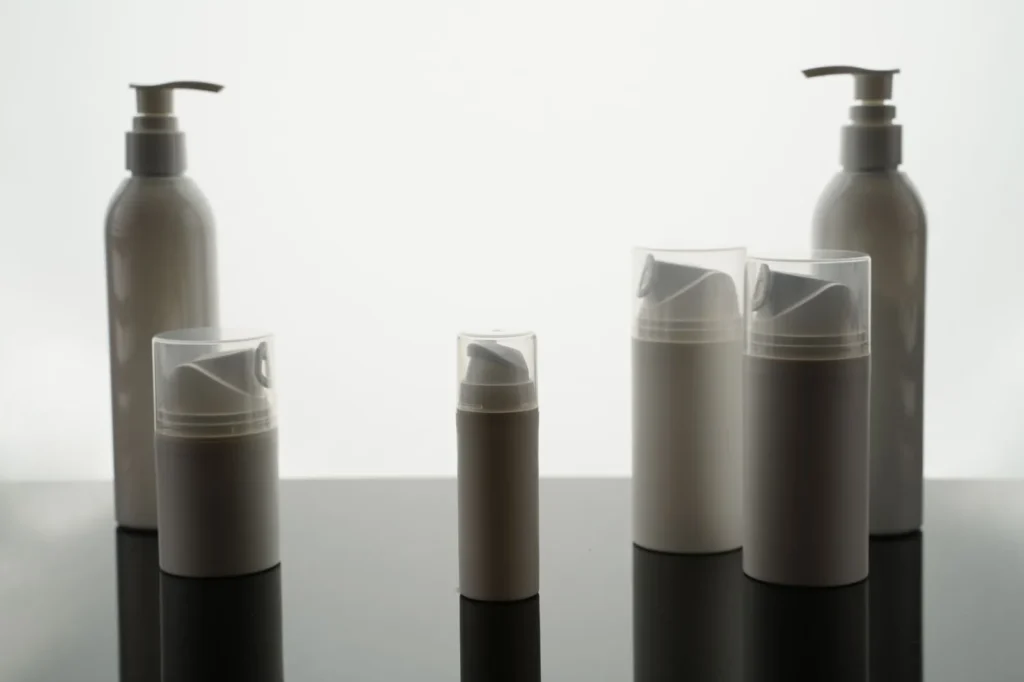
Shiny and reflective products are the hardest to photograph. Jewellery needs sparkle without glare, metal needs even tones, and gemstones need true colour. Electronics and glass products pick up reflections of the room, the camera and the photographer. Our editors remove unwanted reflections, add controlled highlights and clean shadows, and sharpen fine details such as engravings or ports, so products look premium while staying accurate.
Food, packaging and FMCG products
Packaged products need crisp, readable labels, straight edges and consistent angles across a range, so a shelf of products looks like a planned collection rather than a set of snapshots. Food photos need appetising, true-to-life colours and textures without misleading exaggeration. For brands with many flavours or sizes, we build a template so every new product matches the existing range.
Bulk editing for large catalogues
Brands with hundreds or thousands of products need speed and consistency. We set a style guide — background, crop, margins, shadow style and file naming — then process images in batches with the same settings, checking a sample from every batch. Large catalogues can be delivered in stages so new products go live quickly. Bulk product image editing with a clear style guide keeps every listing consistent, even as your range grows.
File formats, sizes and naming
Different platforms need different sizes and formats. We deliver high-resolution JPEGs or PNGs for marketplaces, web-optimised versions for your online store so pages load quickly, and transparent PNGs for designers when needed. Files are named by product code and image position, so uploading hundreds of images is straightforward for your team.
Why brands outsource product image editing
Editing images in-house takes skilled designers, software and time — often more than a small team can spare during busy seasons. Outsourcing product photo editing services gives you experienced editors, consistent quality and predictable turnaround without hiring, while your team focuses on products, orders and customers. It also means one partner can handle images for Amazon, Flipkart, Google Shopping and your website to the same standard.
How much do product photo editing services cost?
The price of product image editing depends on the complexity of each image, the number of images, the level of retouching, whether infographics or compositing are needed, and the turnaround time. A simple background removal costs far less than detailed jewellery retouching or a composite lifestyle scene. For larger catalogues we quote per image with volume pricing or as a monthly package, after reviewing sample photos.
Consistency: making a range look like a brand
When every product image in a range shares the same background, lighting, angle, margins and shadow style, the whole catalogue looks planned and trustworthy — like a well-arranged shop rather than a jumble of stalls. Consistency also makes it easier for shoppers to compare products, because differences in size or colour are real rather than caused by different photography. We create a short style guide for your brand at the start and apply it to every image we edit, including products you add months later.
Video and 360-degree images
Short product videos and 360-degree spins help shoppers understand shape, texture and scale in ways still images cannot. Amazon, Flipkart and most store platforms support product videos, and they are especially useful for fashion, furniture, gadgets and anything with moving parts. We can edit short clips from your footage — trimming, colour correction, captions and branded end frames — so they match your still images and meet each platform’s requirements.
Quality control before delivery
Every batch is checked against a list before delivery: background colour and cleanliness, accurate product colour, no leftover edges or halos from background removal, correct size and crop for each platform, natural shadows, and file names that match your product codes. Images that fail any check are corrected before you see them, so your team can upload with confidence.

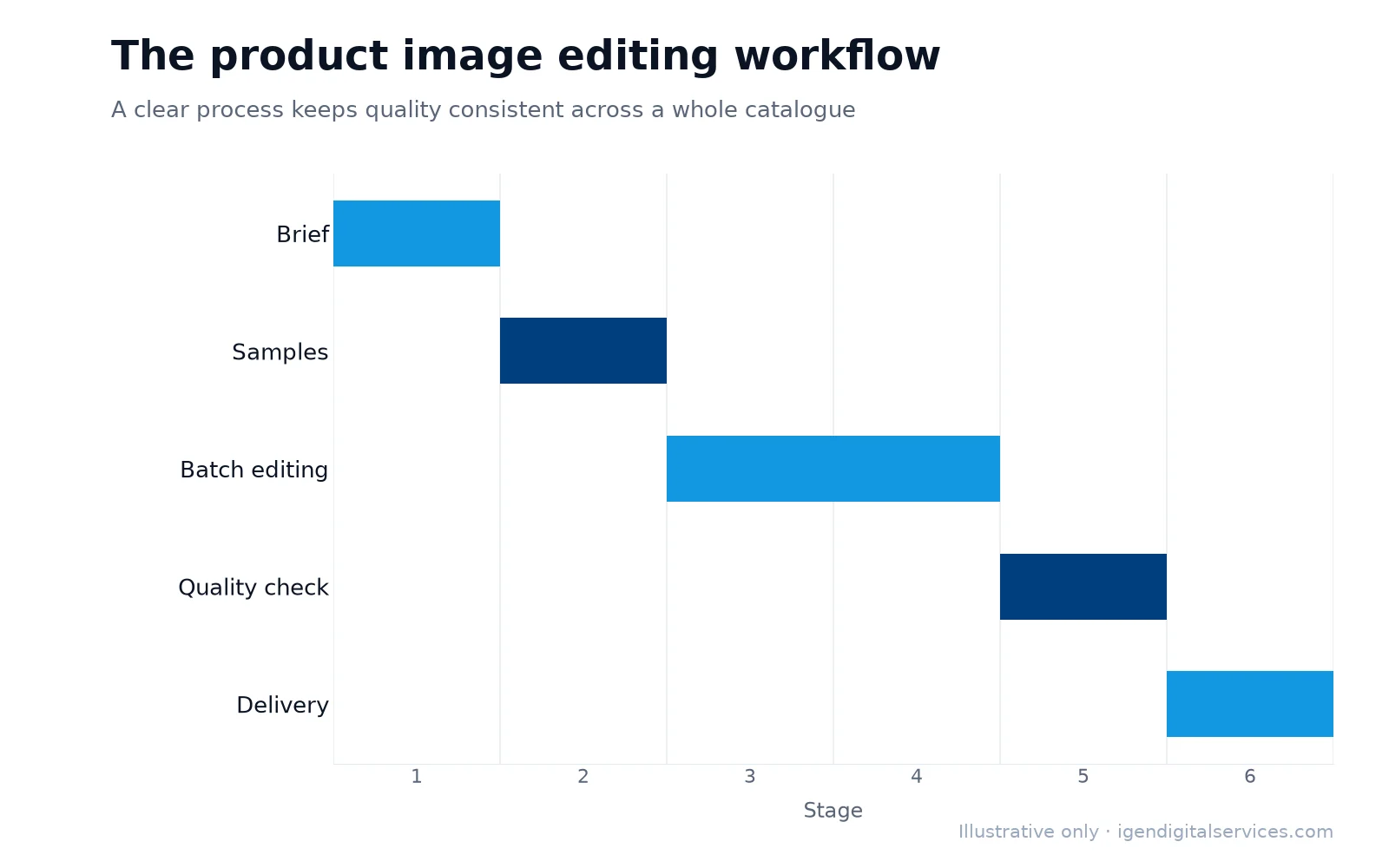
Our product image editing process
- Brief — platforms, image sizes, background, style and any brand guidelines.
- Samples — we edit a few images first so you can approve the look.
- Batch editing — the full set edited to the approved style.
- Quality check — every image reviewed for accuracy, consistency and platform rules.
- Delivery — organised files named by product, in the sizes and formats you need.
Product image editing for different sellers
- New brands — a complete starter set for each product: compliant main image, feature infographics, size chart and a lifestyle image.
- Growing marketplace sellers — refreshed images for best-selling products, where better photos have the biggest impact on sales.
- Manufacturers and exporters — clean catalogue images and specification visuals for B2B buyers and trade platforms.
- Online stores — consistent collection images, banners and category thumbnails that match your brand.
Getting better photos to edit
Editing works best when the original photo is good. If you are shooting products yourself, a few simple habits make a big difference:
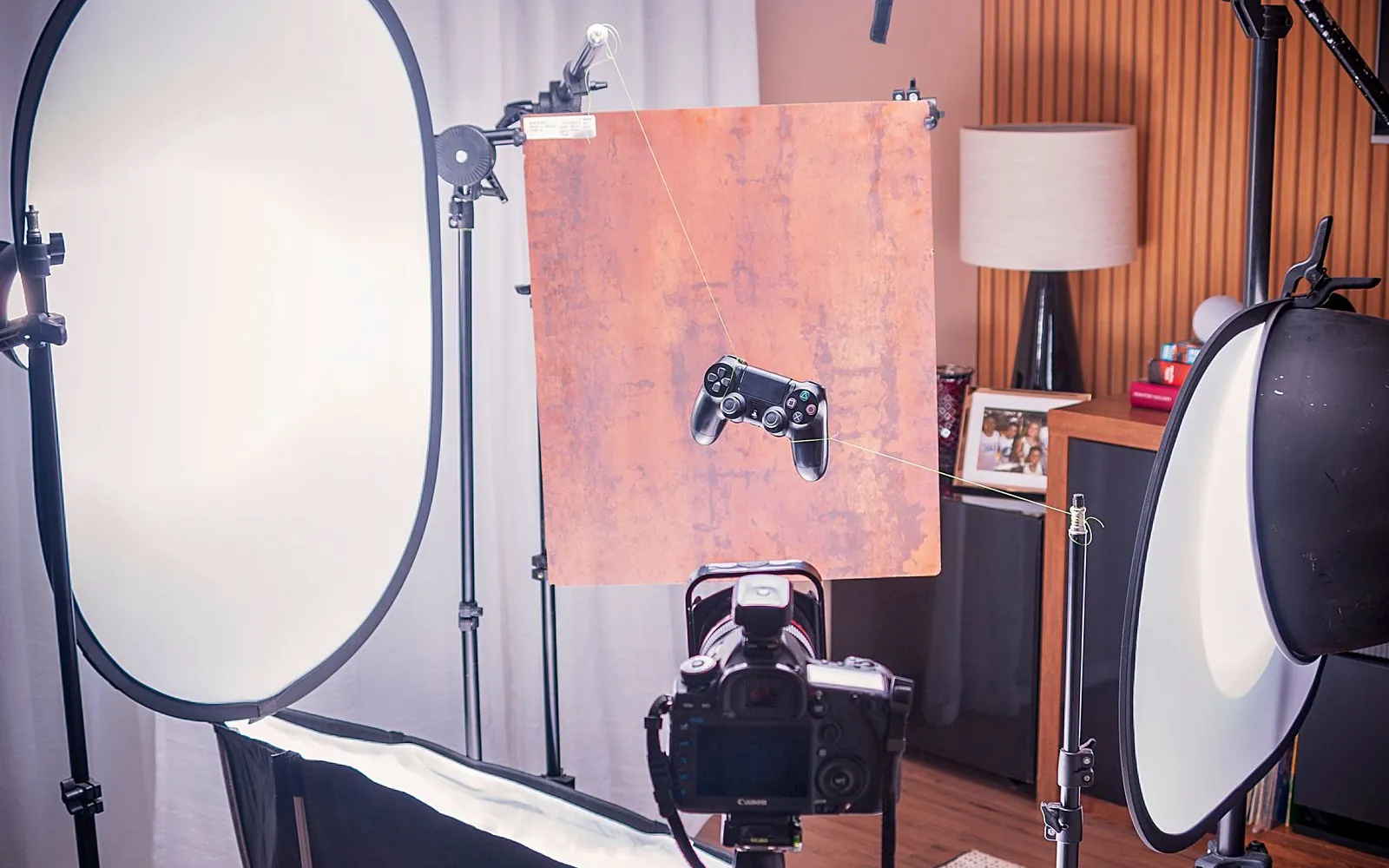
- Use soft, even light — daylight near a window or two lights with diffusers.
- Shoot on a plain background — a white sheet or board makes background removal cleaner.
- Use a tripod — sharper images and consistent framing across products.
- Shoot every angle — front, back, sides, details, labels and what’s in the box.
- Keep colours accurate — avoid coloured light and check colours against the real product.
We can also advise on a simple setup for regular in-house shoots.
Common product image mistakes
- Main images with grey, coloured or cluttered backgrounds.
- Products that look tiny in the frame, hard to see in search results.
- Colours that differ from the real product, leading to returns.
- Inconsistent lighting and angles across a range.
- Too few images, leaving shoppers with unanswered questions.
If you would like expert help, explore our product image editing services or request a quote for your business.
Key takeaways
- Product image editing makes catalogues clean, consistent and compliant with platform rules.
- Amazon main images need a pure white background, a well-filled frame and no added text.
- Infographics and lifestyle images answer questions and lift conversions.
- Better original photos and a clear brief give the best edited results.
Frequently asked questions
What do product photo editing services include?
What are Amazon’s main image requirements?
How much does product image editing cost?
Can you edit photos taken on a mobile phone?
How long does product image editing take?
Do you create infographics for Flipkart and my website too?
Do you offer ecommerce photo editing for Shopify and WooCommerce stores?
Can you make my existing product photos compliant with Amazon’s rules?
Will edited images look fake or over-retouched?
Do you keep my original photos safe?
Want expert help with this?
See what our product image editing services include, or get a free proposal for your business.

Digital Marketing Consultant and Certified Marketing Analyst from IIT Roorkee, with 10+ years of experience helping businesses improve their digital presence, generate qualified leads and drive measurable growth through SEO, AEO, GEO, Google Ads, performance marketing and analytics.